
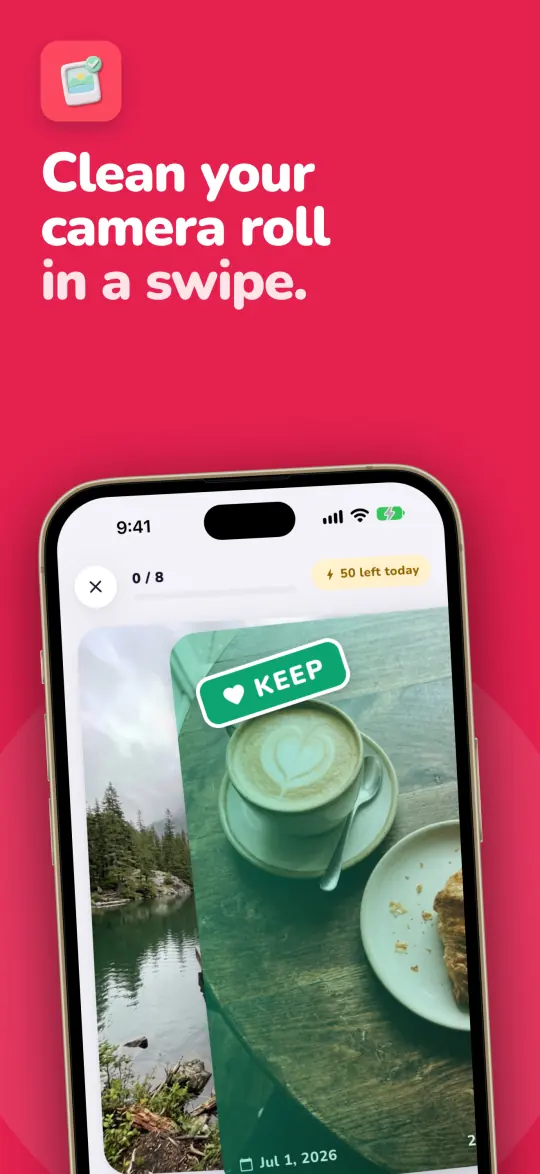
Clean your camera roll in a swipe.
PicToss finds exact duplicates, blurry shots, screenshots and big videos on your iPhone. Swipe left to toss, right to keep, then see how much space you actually got back.
PicToss 1.0 is waiting for App Store review. Once Apple approves it, this link opens its App Store page.
- Photos stay on your phone
- No account
- No ads
Three numbers, kept apart
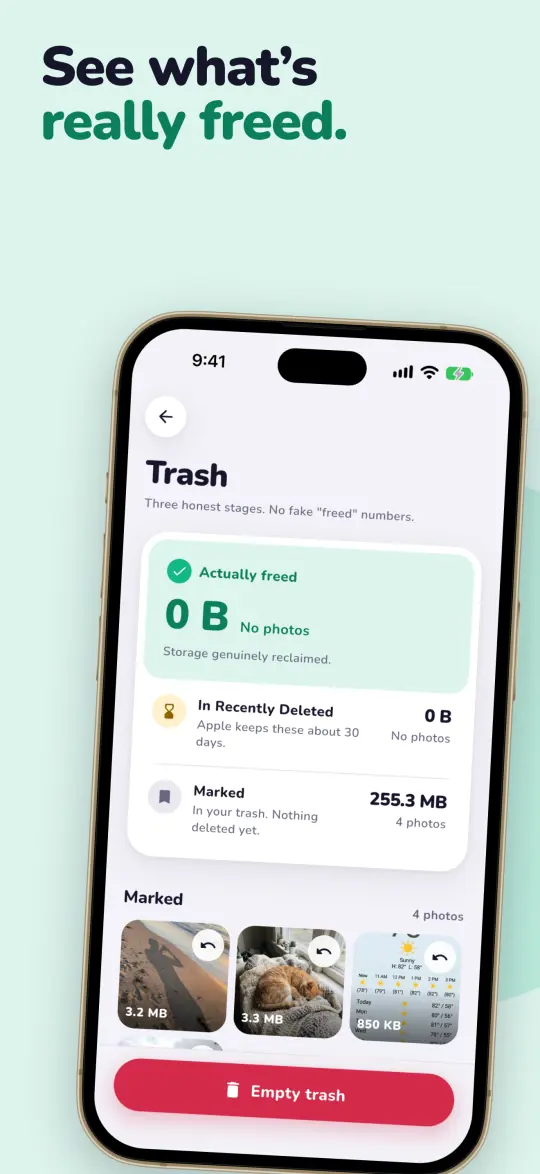
Deleting a photo on an iPhone doesn't free space right away. iOS moves it to Recently Deleted and keeps it there for about 30 days.
So PicToss never shows one big “freed” number. It follows each photo through three stages and counts space as freed only once it's really back.
Need the space today? In the Photos app, open Recently Deleted and tap Delete All.
Marked
In PicToss's trash. Nothing is deleted and no space is freed yet. You can still undo.
In Recently Deleted
You emptied the trash and confirmed it in iOS. Apple holds these photos for about 30 days.
Actually freed
The space is back on your phone. A photo only gets here after it leaves Recently Deleted.
It finds the clutter for you
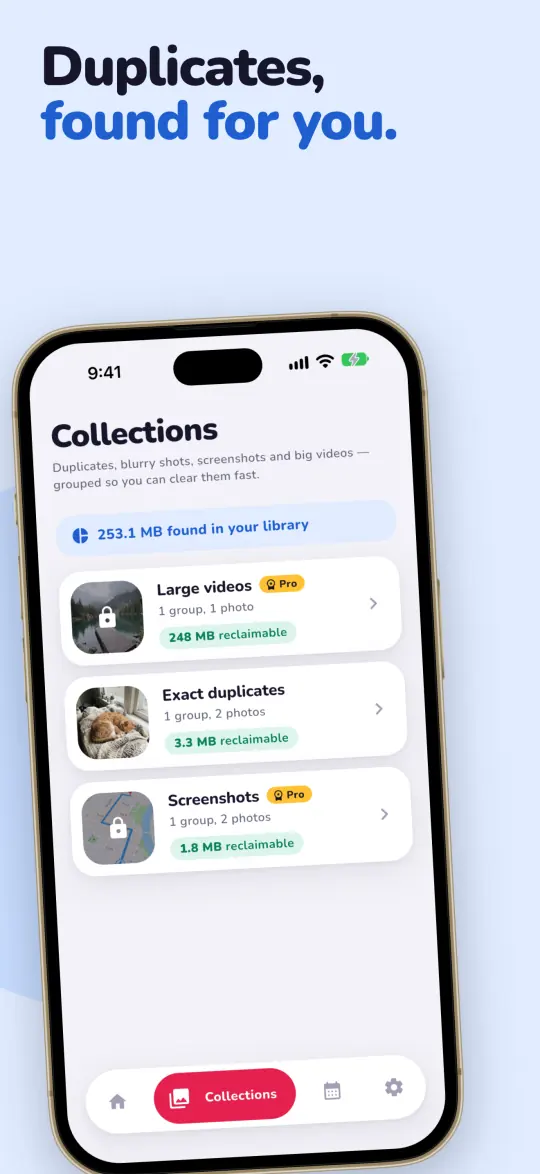
PicToss scans your library on the phone and groups what it finds, so you can clear one pile at a time.
Exact duplicates
FreeThe same shot saved twice. Keep one copy and send the rest to trash in one tap.
Blurry photos
ProShaky and out-of-focus shots, picked out by a sharpness check that runs on the phone.
Screenshots
ProOld screenshots sitting between your real photos, gathered in one place.
Big videos
ProThe videos that take the most space, biggest first.
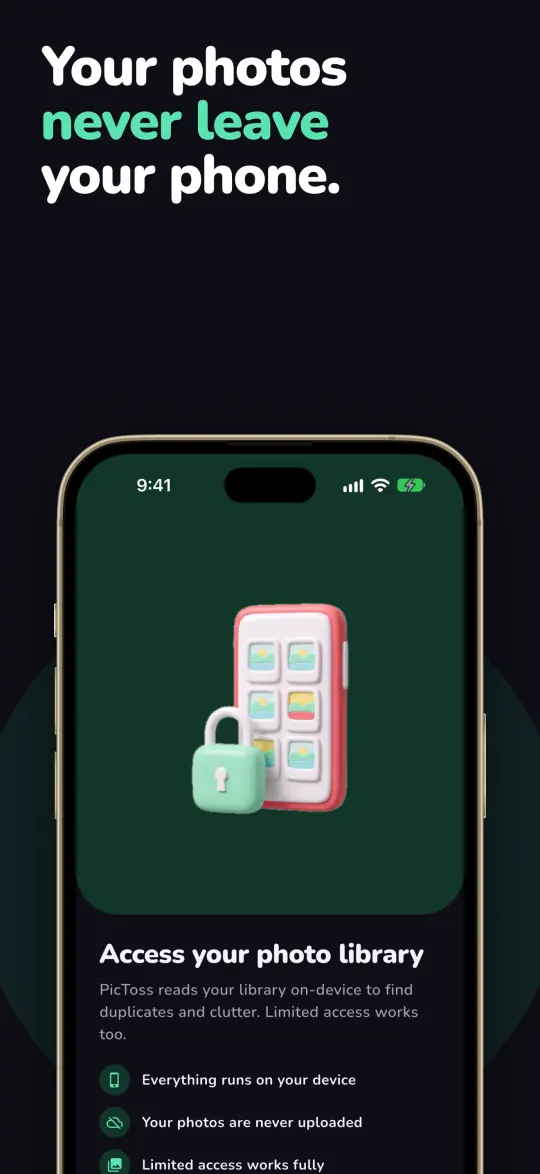
Gave PicToss access to selected photos only? That works too. It scans and cleans just those.
Your photos never leave your phone
Scanning, duplicate matching and every keep or toss happen on your iPhone. PicToss has no server that could receive your photos, and no account to sign in to.
- No account and no sign-up
- No ads, and no tracking across other apps
- Version 1.0 sends no usage analytics or crash reports
- Apple handles payment. RevenueCat checks Pro with a random ID
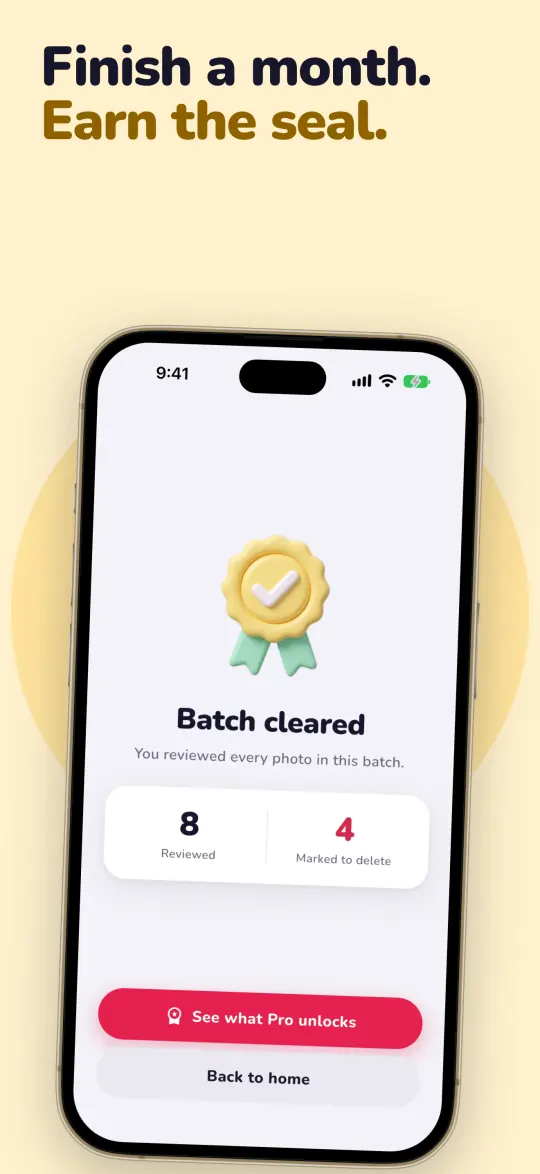
Finish a month, earn its seal
Work through a month of photos and PicToss stamps it with a seal. Sealed months build a streak, and in December a recap shows what you cleared that year.

Free does the main job. Pro does all of it.
You don't need a trial to start cleaning. Pro removes the daily limit and opens the other piles.
Free
$0 no time limit
- Quick trash for exact duplicates, with no daily limit
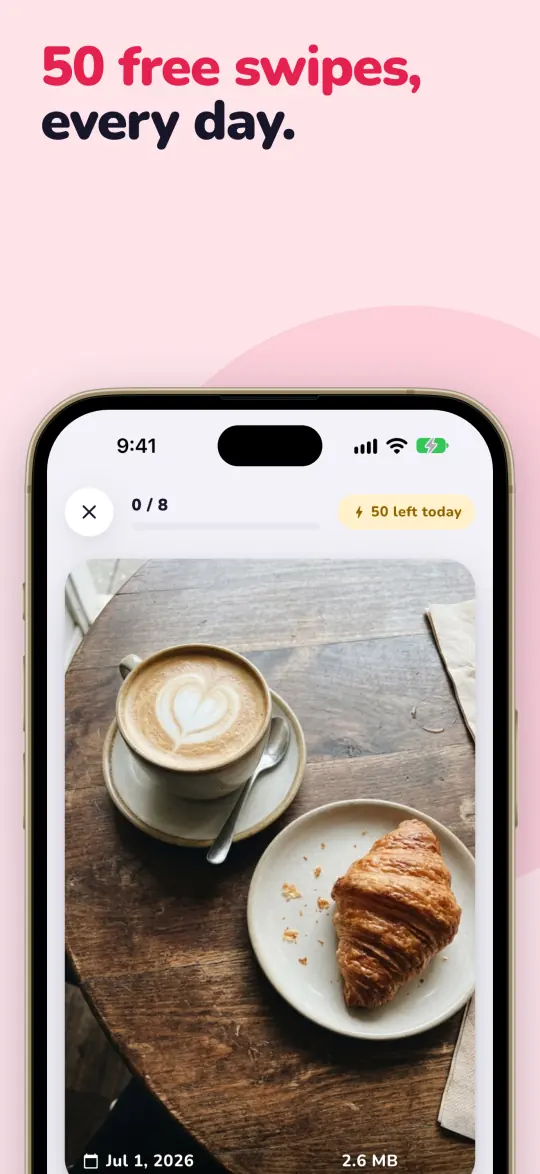
- 50 swipes a day (keeps and tosses both count)
- The trash, Empty trash and all three counters
- Monthly seals and streaks
PicToss Pro
- Unlimited swipes
- Blurry photos, screenshots and big videos
Yearly
$29.99
per year
3 days free
Lifetime
$49.99
one payment
Prices are in US dollars. The App Store shows the price for your country before you pay. The yearly plan starts with a 3-day free trial and renews every year until you cancel. To avoid the next charge, cancel at least 24 hours before the trial or the current year ends, in Settings > your name > Subscriptions. Lifetime is a single purchase and doesn't renew.
Common questions
Does PicToss upload my photos?
No. PicToss reads your library on the phone and does all of its scanning there. It has no server that could receive photos. The only data that leaves the phone is what's needed to sell and check Pro, and the privacy policy lists it.
Will it delete anything without asking me?
No. Swiping left only marks a photo and moves it to PicToss's trash, where you can undo. Photos are deleted only when you tap Empty trash and confirm the iOS prompt. They then sit in Recently Deleted in the Photos app for about 30 days, and you can still recover them there.
I emptied the trash. Why didn't my free space go up?
iOS keeps deleted photos in Recently Deleted for about 30 days, so the space isn't back yet. PicToss shows them under In Recently Deleted until then. If you need the space now, open Recently Deleted in the Photos app and tap Delete All.
What can I do for free?
Clear exact duplicates with quick trash as often as you like, and swipe through 50 photos a day. The trash, the three counters and monthly seals are free too, and the free plan doesn't expire.
How does the free trial work?
The yearly plan starts with 3 free days. Unless you cancel at least 24 hours before the trial ends, it becomes a paid yearly subscription at the price shown on the purchase screen. Cancel in Settings > your name > Subscriptions. If you cancel during the trial, you aren't charged.
What's the difference between yearly and lifetime?
Both unlock the same Pro features. Yearly costs $29.99 a year and renews until you cancel. Lifetime is a single $49.99 payment that never renews.
I got a new iPhone. How do I get Pro back?
Sign in with the Apple ID you bought Pro with, open PicToss and tap Restore purchases in Settings or on the Pro screen.
Does it work with limited photo access?
Yes. If PicToss can see only the photos you selected, it scans and cleans just those. You can change the access level for PicToss in the iPhone Settings app.
Which devices does it run on?
iPhone with iOS 16 or later. There's no Android version.
Start with your duplicates. They're free.
Quick trash for exact duplicates has no daily limit, so your first cleanup costs nothing.
PicToss 1.0 is waiting for App Store review. Once Apple approves it, this link opens its App Store page.